

Overview
If you want full creative control from the very beginning, starting with a blank document gives you a clean canvas to build exactly what you need. There are no pre-set sections or AI-generated content — just you and the editor.
Getting Started
From your dashboard click + Create New
Select Start with blank from the dropdown
-
The document structure screen will open
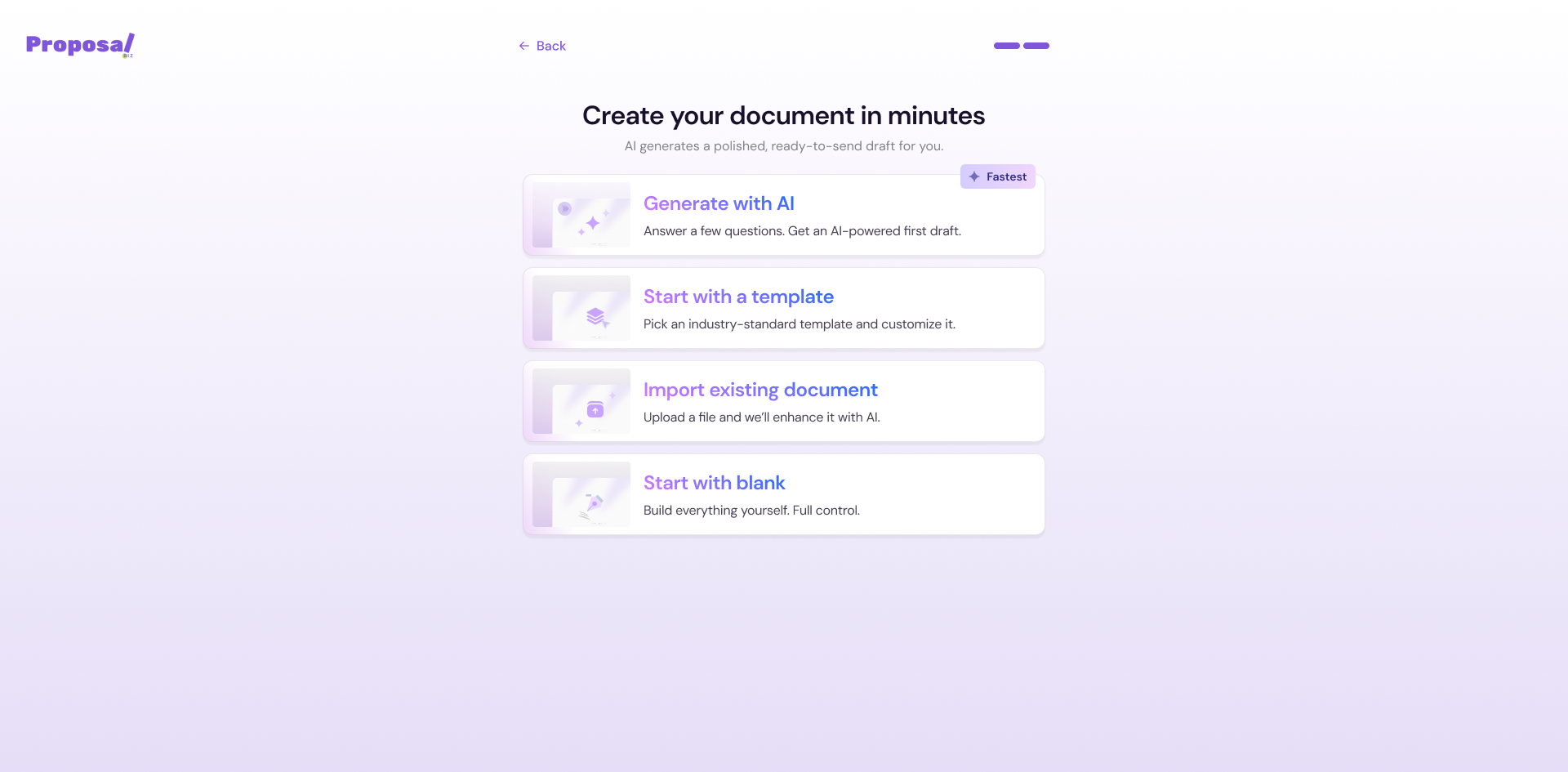
Structuring Your Document
Before opening the builder, Proposal.biz will ask you to configure a few basic settings for your blank document.
💡 Pro Tip Select Org Theme before opening the builder to have your brand colours, fonts, and style applied automatically — so you are not starting completely from zero even on a blank canvas.
Opening the Editor
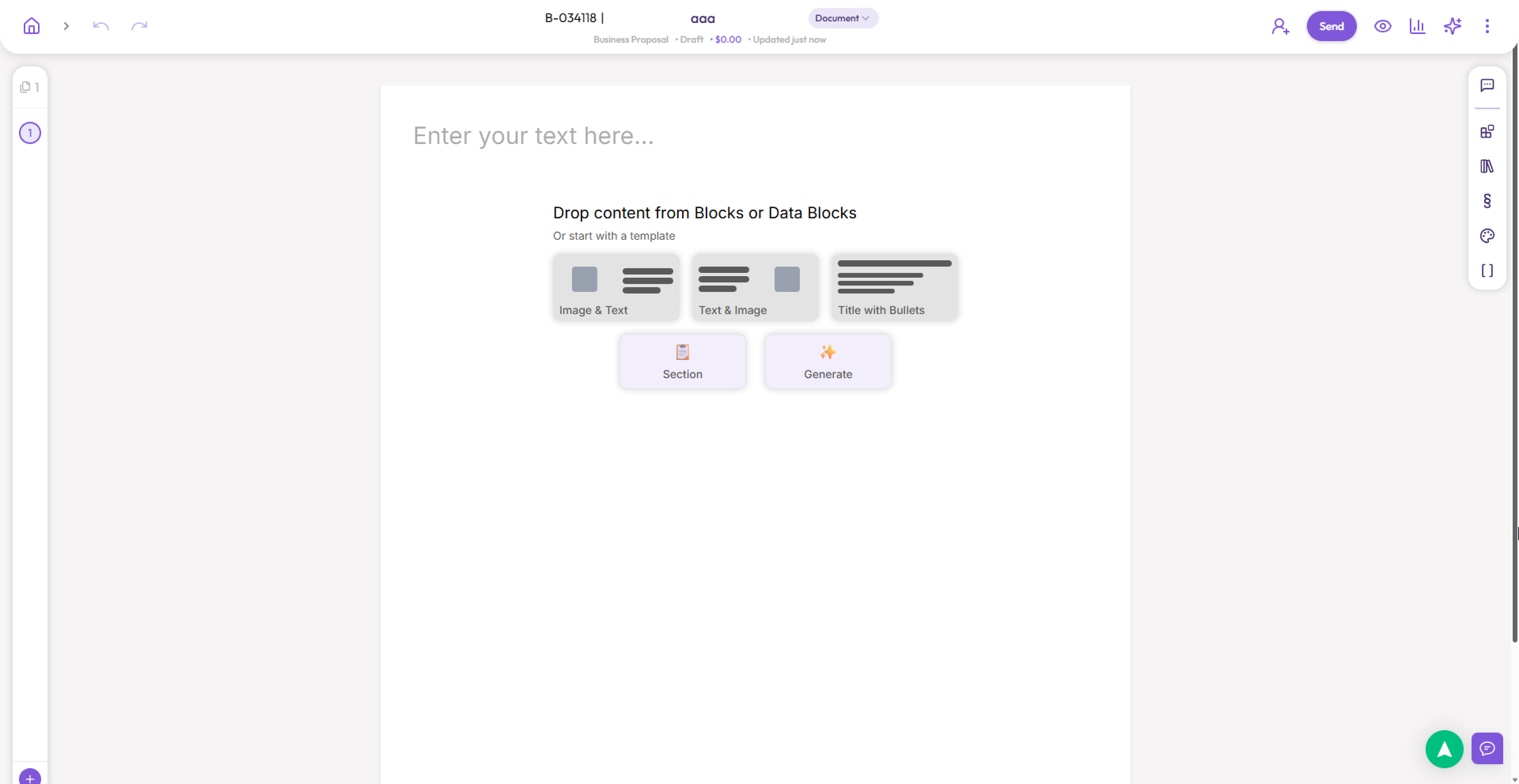
Once you have configured your settings, click Create Document to open your blank document in the editor. From here you can:
Add and arrange content blocks manually
Use the drag-and-drop to build your layout
-
Use the AI assistant inside the editor to generate content as you go
Next Steps Now that your blank document is open in the builder, learn how to use the builder to build, format, and finalize your document.