

Overview
Public Templates are pre-built, ready-to-use document templates available to all Proposal.biz users. They cover a wide range of document types across Sales, Marketing, Legal Compliance, and more so you can get started quickly without building a structure from scratch.
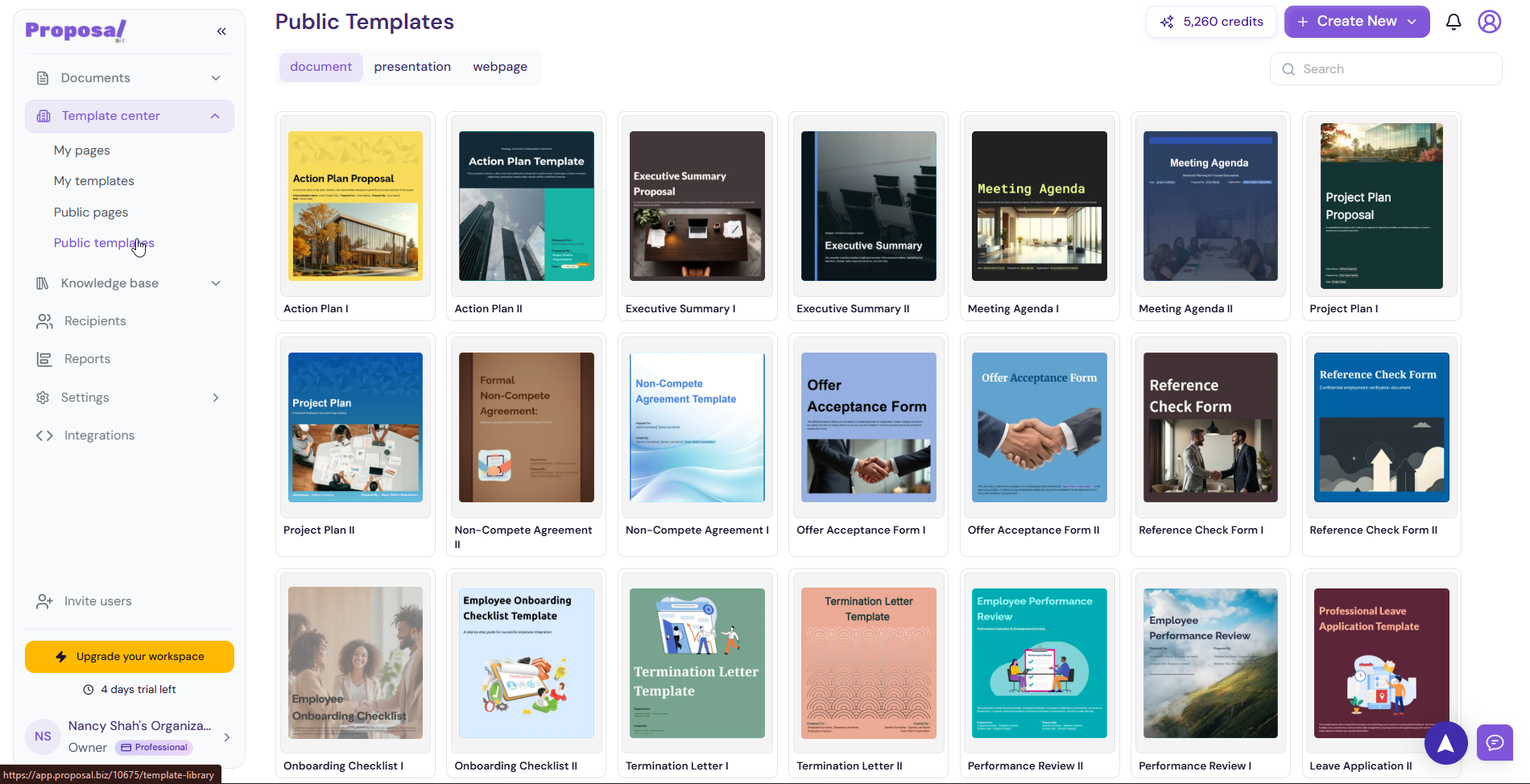
Accessing Public Templates
You can access Public Templates in two ways:
From the Template Center:
Go to Template Center in the left sidebar
Click Public Templates
Browse the available templates
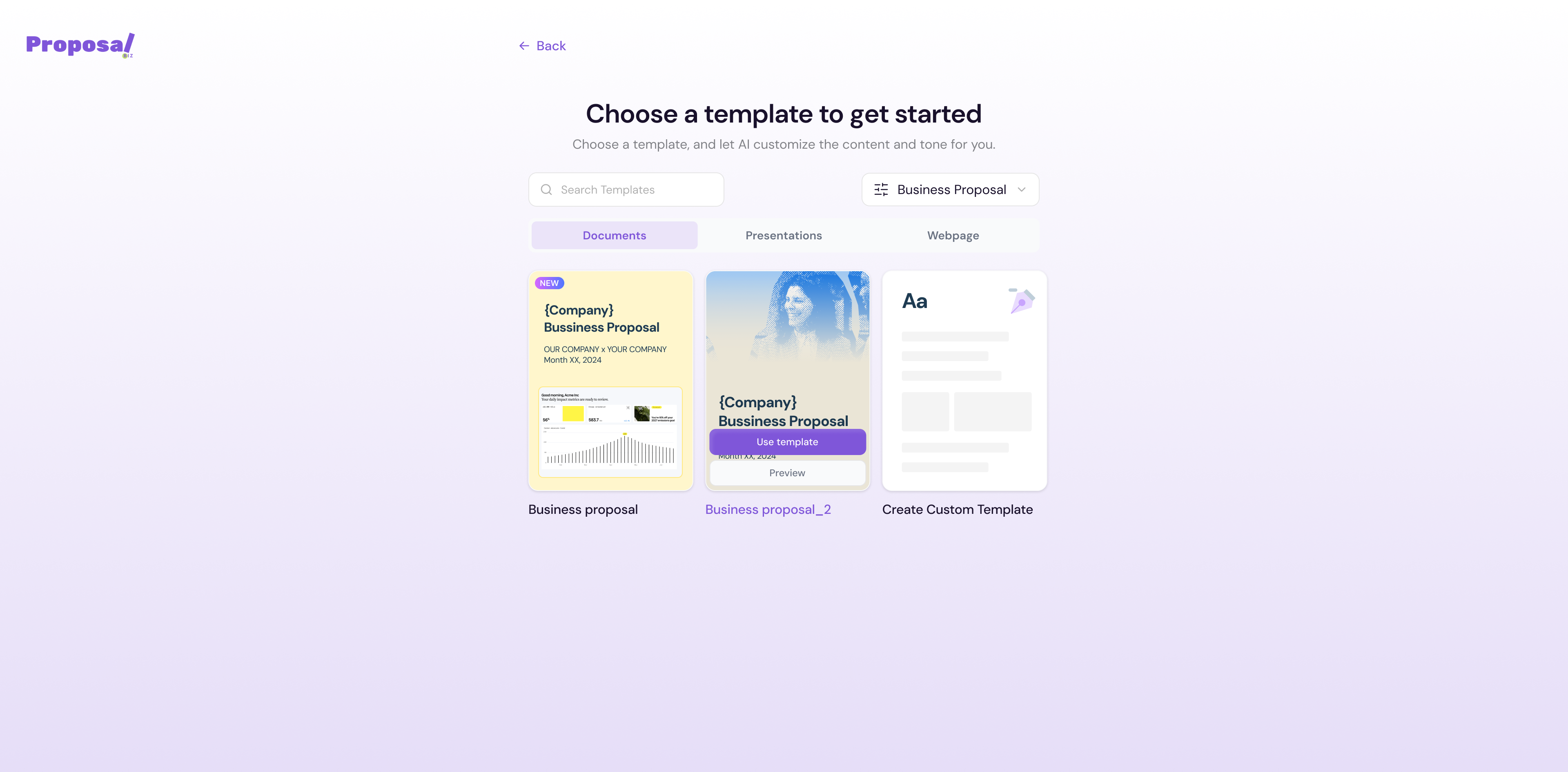
From the Create New flow:
From your dashboard click + Create New
Select Start with a template
Select your document category and type
-
Browse and pick from the available public templates
Using a Public Template
Browse or search for the template you need
-
Hover over a template to reveal two options:
Use template — Opens the template directly in the editor
Preview — Review the full template before committing
Click Use template to open it in the editor
Customize the content, branding, and details to fit your needs
💡 Pro Tip Use the Preview option before selecting a template to make sure the structure and sections match what you need. This saves time and avoids unnecessary edits once you are inside the editor.
Next Steps Now that you are familiar with the Template Center, learn how to manage your content and data sources in Knowledge Base.