

Overview
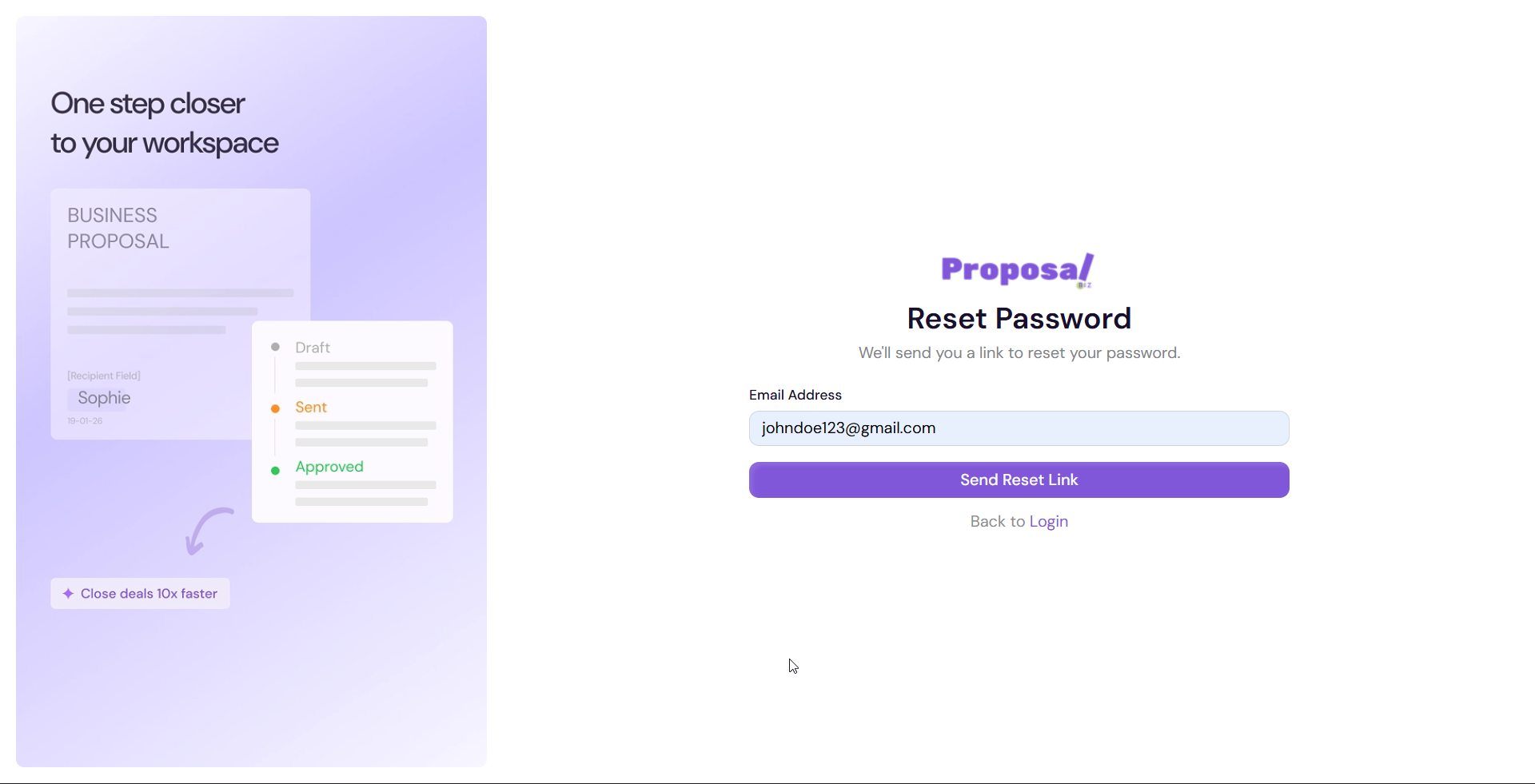
If you have forgotten your password or are unable to log in to your Proposal.biz workspace, you can reset it in just a few steps. This article walks you through the full password reset flow.
Requesting a Password Reset
Go to the Proposal.biz login screen
Click Forgot password?
Enter your registered email address
Click Send Reset Link
-
Check your inbox for a password reset email from Proposal.biz
💡 Pro Tip If you don't see the reset email in your inbox within a few minutes, check your spam or junk folder. Make sure you are entering the same email address you used to sign up.
Setting a New Password
Open the password reset email and click the reset link
You will be taken to the Set new password screen
Enter your new password
Confirm your new password by entering it again
Click Save new password
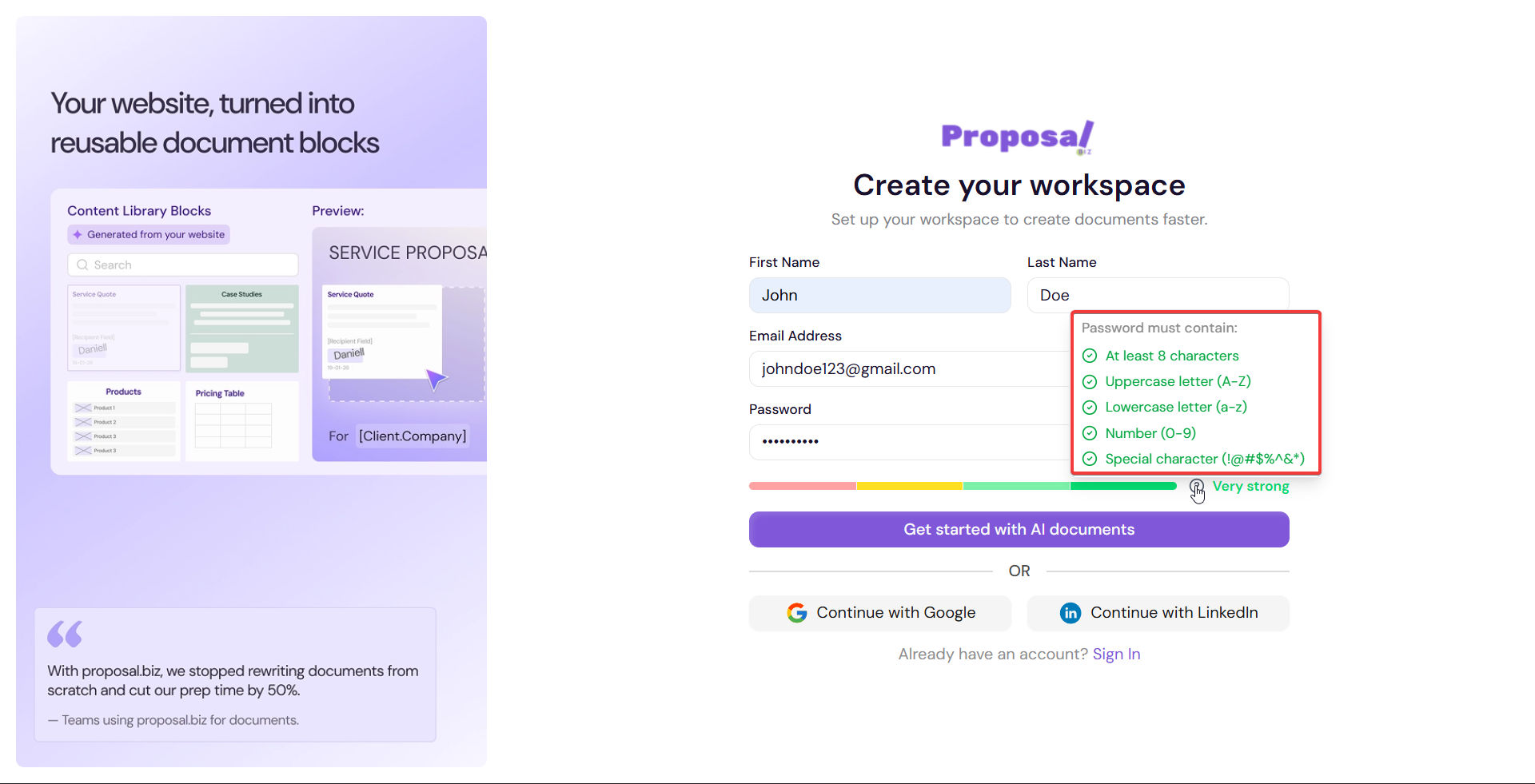
Note For a strong password, use a mix of uppercase and lowercase letters, numbers, and special characters. Avoid reusing old passwords.
What Happens Next
Once your password is reset, you will be redirected to the login screen. Log in using your new password to access your workspace.
Still Having Trouble?
If you are still unable to access your account after resetting your password, reach out to the Proposal.biz support team for assistance.
Next Steps Now that your account is secure, learn how to navigate your workspace dashboard.